
GenAI Training for Microsoft 365 workforces.
A 3-day, immersive, compliance-safe AI bootcamp. Built on Copilot, Power Platform, and Azure AI.
Productivity. Governance. Competitive edge.
Three reasons Microsoft-shop enterprises are running structured cohorts now, not next year.
Most teams stop at chat. The Power Platform layer (Studio, Automate, BI Copilot) sits unused.
Microsoft Graph and connectors put your tenant inside chat windows. Audit and labelling matter more than ever.
Without structured training
- Employees are already experimenting with Copilot.
- Often in unstructured, inefficient, or risky ways.
- Hours wasted on trial-and-error. Compliance breaches creep in.
With structured training
- Save time on routine tasks. Hours → minutes.
- Build Copilot Studio agents and Power Automate flows on real work.
- Adopt AI safely, aligned with Microsoft Purview and your tenant rules.
How we will run the workshop.
Every cohort starts with a diagnostic survey, so the curriculum fits your team.
We survey every participant before Day 1 and rebuild the agenda around what we learn.
| Axis | What we ask | What it changes |
|---|---|---|
| 01. Skill baseline | Frequency of GenAI use today. Tools tried. Confidence with data, dashboards, reporting. | Depth and pace of Day 1 foundations. Whether to bundle a Power BI Copilot primer. |
| 02. Role-specific wishlist | Top 3 tasks to speed up. Workflow pain points by function. Real data they work with. | Day 3 Copilot Studio agent build uses their wishlist. Demos on analogues of their data. |
| 03. Our recommendation | Gaps the team has not flagged but will hit. Compliance and Purview-alignment for their sector. | Adds compliance and ethics where relevant. Sequences foundations so advanced users learn too. |
Output: a customised 3-day agenda shared with the sponsor 5 working days before Day 1.
Same 6 streams. Different weight, depth, examples.
Survey
10-minute online survey to every participant, 2 weeks before Day 1.
Diagnostic read-out
Sponsor gets skill distribution, top 5 use-case asks, our recommendations.
Agenda locked
Final 3-day agenda, tool list, exercise set, 5 working days before Day 1.
Delivery
Each day opens with the team's own examples. Compliance and Purview-alignment woven in.
Result: participants learn on their own problems, not case studies. Our score is 9.11 / 10.
From foundational concepts to advanced application development.
Six streams. Tilted across the 3-day program based on the diagnostic.
01. Foundations & Prompting
Core prompting in Copilot. Above the line vs below the line AI.
02. Refresher in the Age of AI
How to understand and present data, enhanced with AI.
03. Building Apps. Basics.
App-thinking foundations before AI is layered in.
04. Copilot for Dashboards
Excel and Power BI Copilot for daily reporting.
05. Copilot Studio Agents
The 2026 Microsoft builder stack, on real data.
06. Power Automate Flows
From manual workflows to flows that run themselves.
Foundation, data, engagement, analytics, compliance, apps.
What they will be able to do.
Craft effective prompts inside Copilot, ensuring optimal outputs from AI for varied business needs.
Use Copilot in Excel and Power BI to analyse complex datasets in minutes, not hours.
Apply AI to enterprise tools (CRMs, emails, reports) and turn raw data into strategic insight.
Use Copilot Studio and Power Automate to prototype and ship agents for organisational use.
Three days. One arc. Real artifacts.
| Day | Theme | Focus areas |
|---|---|---|
| Day 01 | Foundations & Prompting | GenAI core concepts, prompting in Copilot, problem framing. |
| Day 02 | Data Storytelling, Userflows | How to understand and present data, enhanced with Copilot in Excel and Power BI. |
| Day 03 | Copilot Studio, Compliance & Apps | Microsoft-stack agent building, Purview-aligned governance, cross-functional use cases. |
Setting the foundation. In your tenant.
| Session | Topic | Format |
|---|---|---|
| 1.1 | Welcome, Icebreaker & Workshop Overview | Interactive intro |
| 1.2 | GenAI Fundamentals in Microsoft 365: What, Why & How | Talk + live demo |
| 1.3 | Prompt Engineering 101 (in Copilot) | Prompt Studio Lab |
| 1.4 | Hands-On Lab: Crafting Prompts for your use-cases | Group exercise |
| 1.5 | Real-World Prompt Use Cases (Summaries, Emails, Notes) | Demo showcase |
| 1.6 | Identify and solve problems worth solving | Video + exercise |
| 1.7 | Debrief & Day-End Challenge | Reflective quiz |
From data to narrative to first build.
| Session | Topic | Format |
|---|---|---|
| 2.1 | Recap + Warm-up Prompt Quiz | Interactive poll |
| 2.2 | Storytelling + Data Visualisation in Power BI Copilot | Video + session |
| 2.3 | Data analysis & storytelling exercise | Hands-on exercise |
| 2.4 | Data visualisation de-brief | Discussion + demo |
| 2.5 | Intro to Copilot Studio & Power Automate | Interactive session |
| 2.6 | Start building (Copilot Studio agent) | Hackathon |
| 2.7 | De-brief | Interactive |
Build, govern, ship.
| Session | Topic | Format |
|---|---|---|
| 3.1 | Introduction to advanced use-cases (Microsoft Graph, connectors) | Session |
| 3.2 | Continue building. Hands-on guidance with Copilot Studio | Break-out activities |
| 3.3 | Purview, Sensitivity Labels & Approval Flows | Talk + design exercise |
| 3.4 | Shark Tank format demo (internal contest) | Demo |
| 3.5 | What's Next: 30 / 60 / 90 Day Plan, Resources, Office Hours | Session |
| 3.6 | Closing ceremony and pledge-taking | Interactive exercise |
The Microsoft stack. Customised per cohort.
Indicative and not an exhaustive list.
Advanced track (optional): Anthropic Claude, Claude Code, MCP. Used in selected modules where Microsoft-native tooling has a known gap.
No lecture marathons.
100% interactive. Doing beats listening, every time.
- Hands-on exercises for doing, not just listening
- Kahoot and other interactive speed-quizzes
- Miro AI Idea Wall for breakout design sprints
- Real-time role-play
- Live builds in Copilot Studio and Power Automate
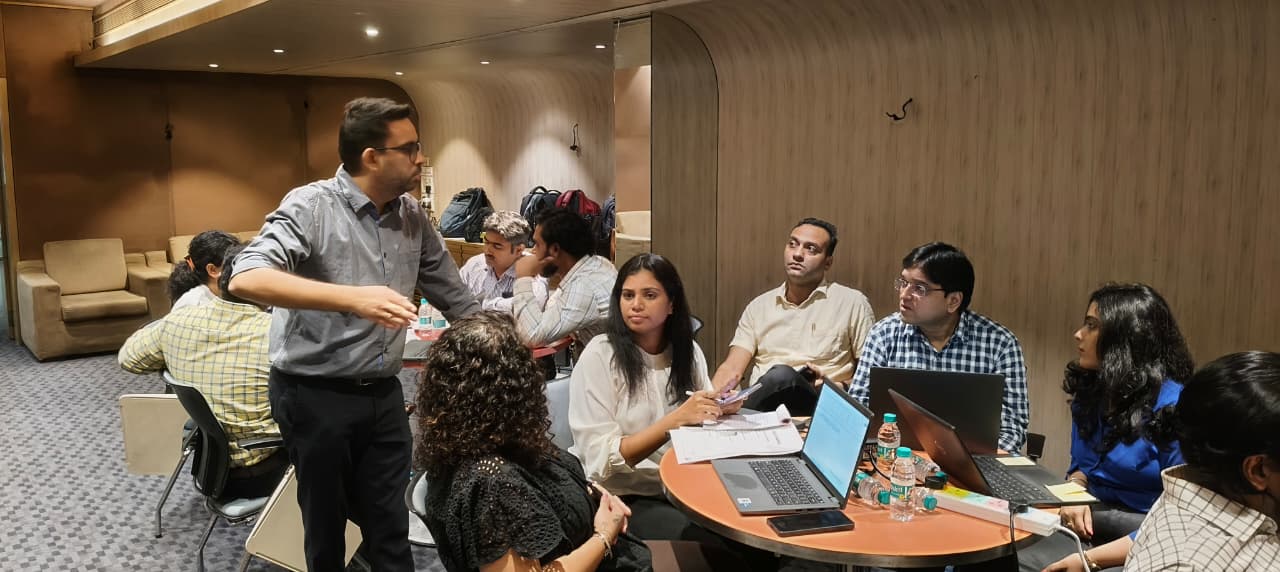
Past trainings effectiveness.
Likelihood to recommend, out of 10.
Voice of participants and leaders from cohorts at a pharma and an energy company.
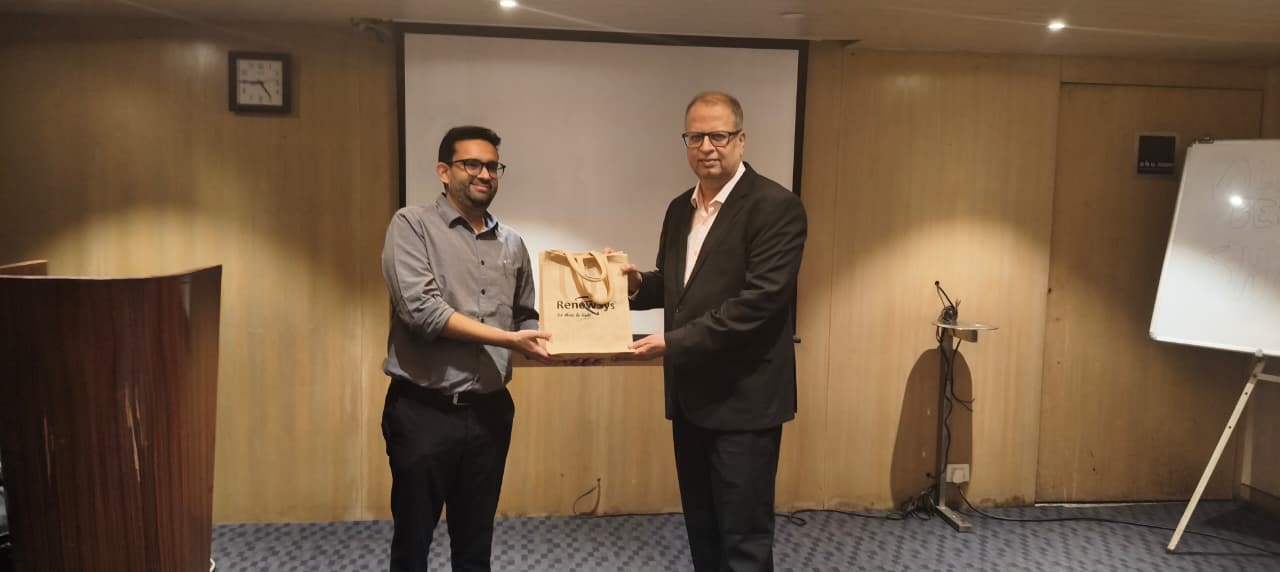
Rated 4 or 5 for overall satisfaction.
Voice of participants and leaders from cohorts at a pharma and an energy company.
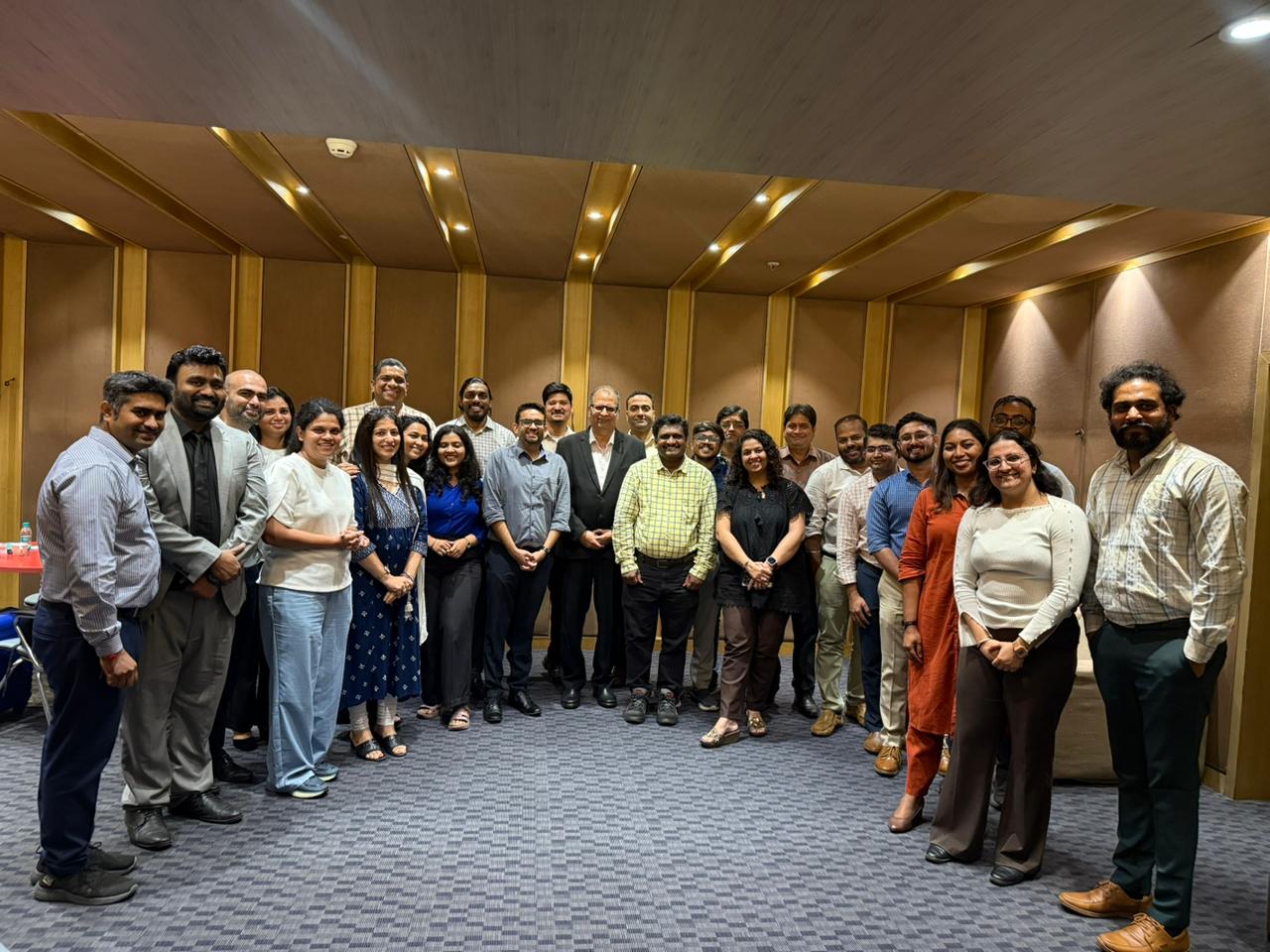
Felt surprised at their own capabilities.
Voice of participants and leaders from cohorts at a pharma and an energy company.
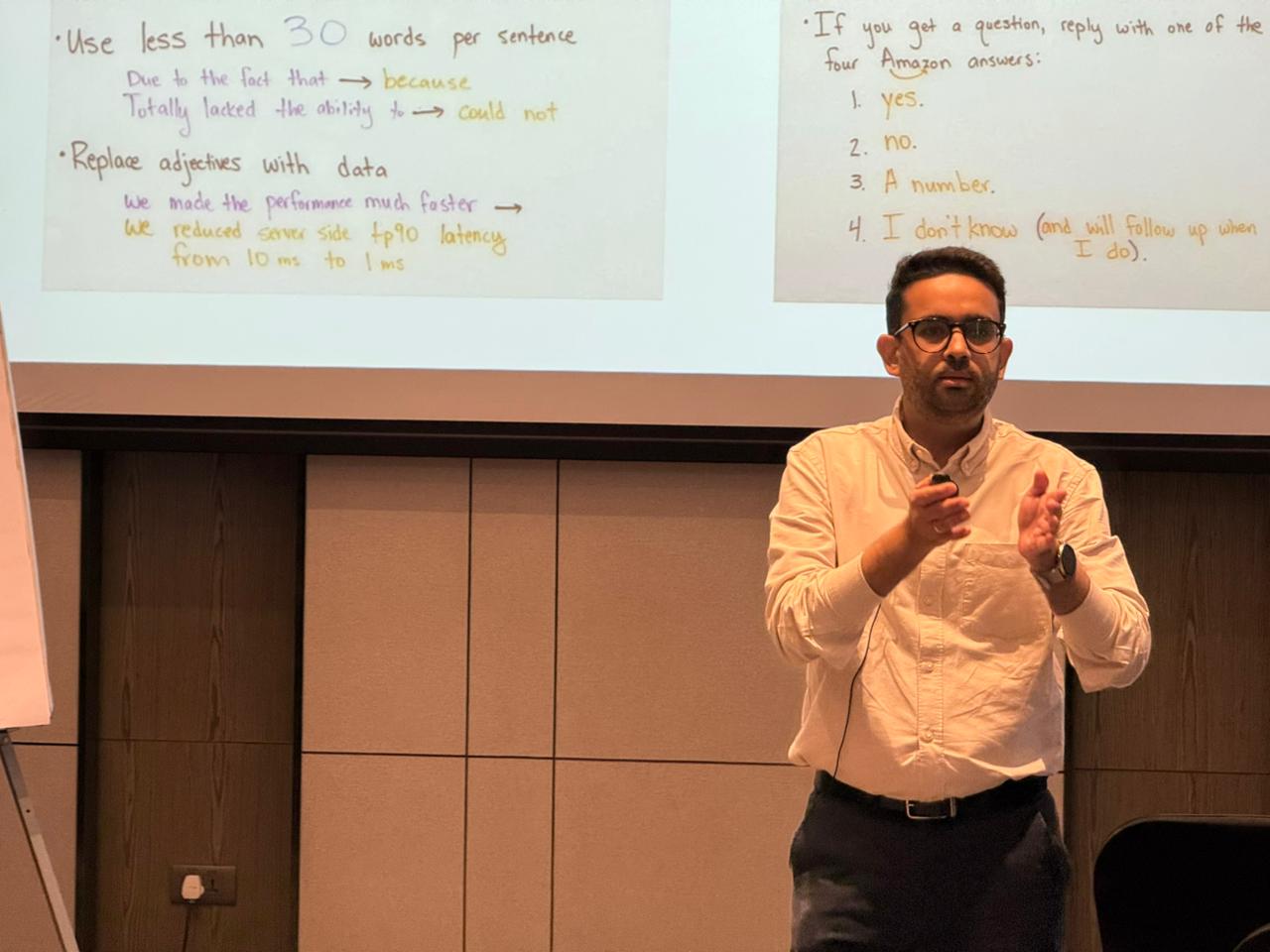
Rated 4 or 5. 75% rated 5-star.
Voice of participants and leaders from cohorts at a pharma and an energy company.
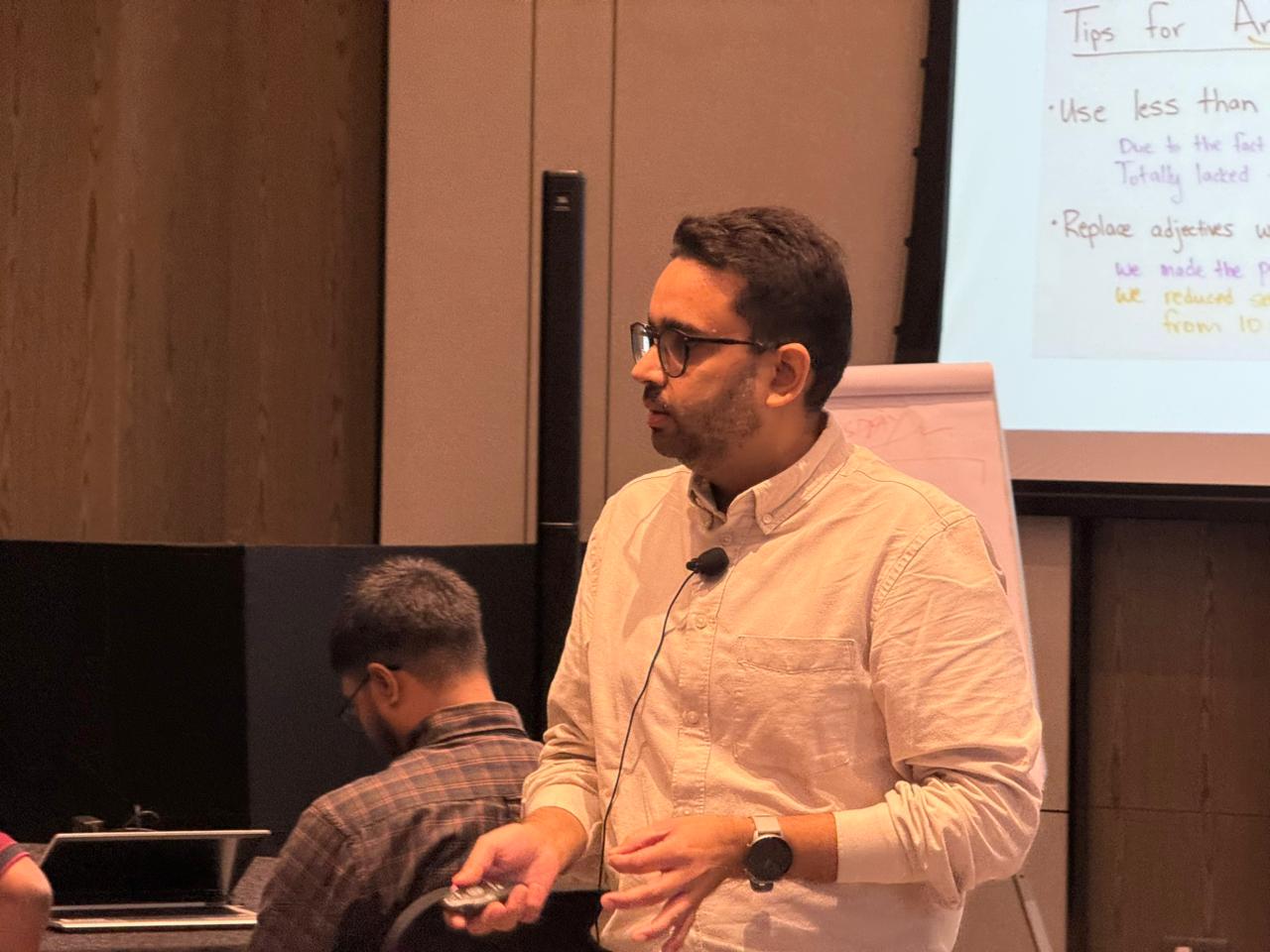
Praise for Nimit's training.
"Very good and great trainer. Energetic, patient, and always willing to help. Everyone, from newbies to experienced participants, walked away with real value."
"Patient, with knowledge in abundance, and explained everything clearly. The session showed me how AI can reduce my manual workload and automate reporting."
"The energy and enthusiasm in all sessions were infectious. The dashboard exercise on Day 3 was a real wow moment."
Practical, hands-on, and immediately useful.
"Nimit helped both beginners and experienced participants learn at the same pace. Everyone ended up as a student who walked away with something new."
"This training made me realise I can create dashboards and reports in minutes instead of hours. It will transform how I approach my work."
"Practical, hands-on, and immediately useful. I've already started planning to automate my daily reports."
"Energetic sessions filled with real-world examples. I now know how to integrate Excel with AI to generate insightful reports."
From the sponsor's seat.
We recently had a 3-day Advanced AI training with Nimit Kathuria, and we were very impressed with the depth of knowledge and expertise he brought into the sessions. His content and subject command were truly valuable for the participants. It was a very positive learning experience, and we would be glad to explore more sessions with him in the future.
Enterprise Cohort Leader
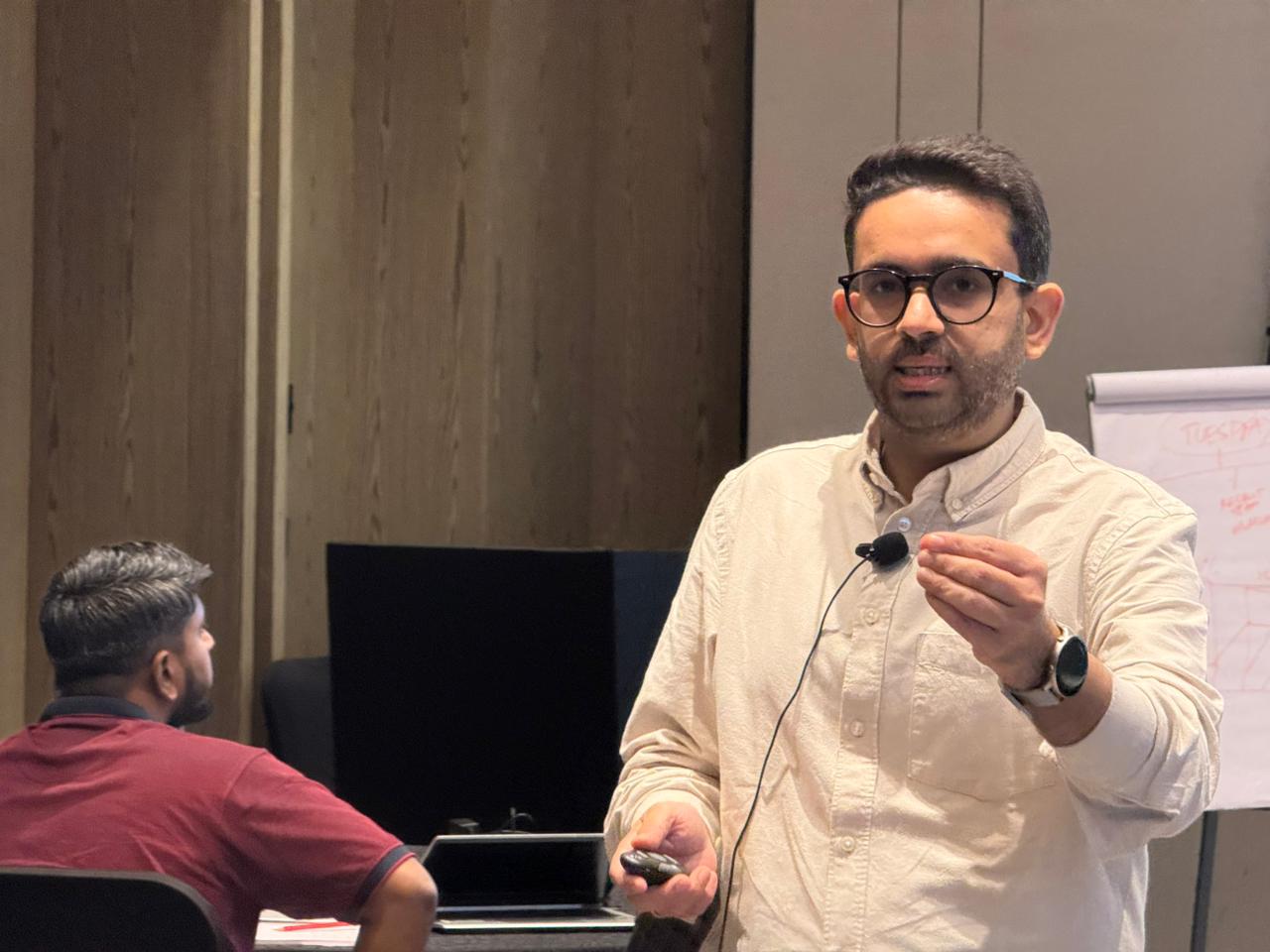
Why it's more effective than other similar trainings.
They start with tools, not thinking.
They teach features, not frameworks. When you have a hammer, every problem looks like a nail.
What many trainers teach
- Prompts and features
- Tool demonstrations
- Technical capabilities
What teams actually need
- Problem framing
- Decision support
- Actionable outcomes
Business First. AI Second.
I don't start with AI. I start with your business problems. First we clarify on what is a problem worth solving. Only then do we bring AI into the conversation.
Identify what's worth solving
Half the session is here. The smartest question beats the fanciest prompt.
Translate business logic into AI logic
So the cohort can repeat the move on Monday, not just remember the demo.
Apply tools with clarity and impact
Copilot, Power Platform, agents. The right tool for the right shape of problem.
Not an engineer. A practitioner.
A non-engineer who first understands the business problem and then builds Copilot agents and Power Automate flows.
Our lead trainer isn't a traditional coder. He has built AI prototypes, Copilot Studio agents, dashboards, and Power Automate flows as a marketing leader. This unique perspective allows him to explain complex technical ideas in plain language, making non-tech teams confident, not confused.
Energetic, patient, and always willing to help everyone.
Pharma Brand Participant
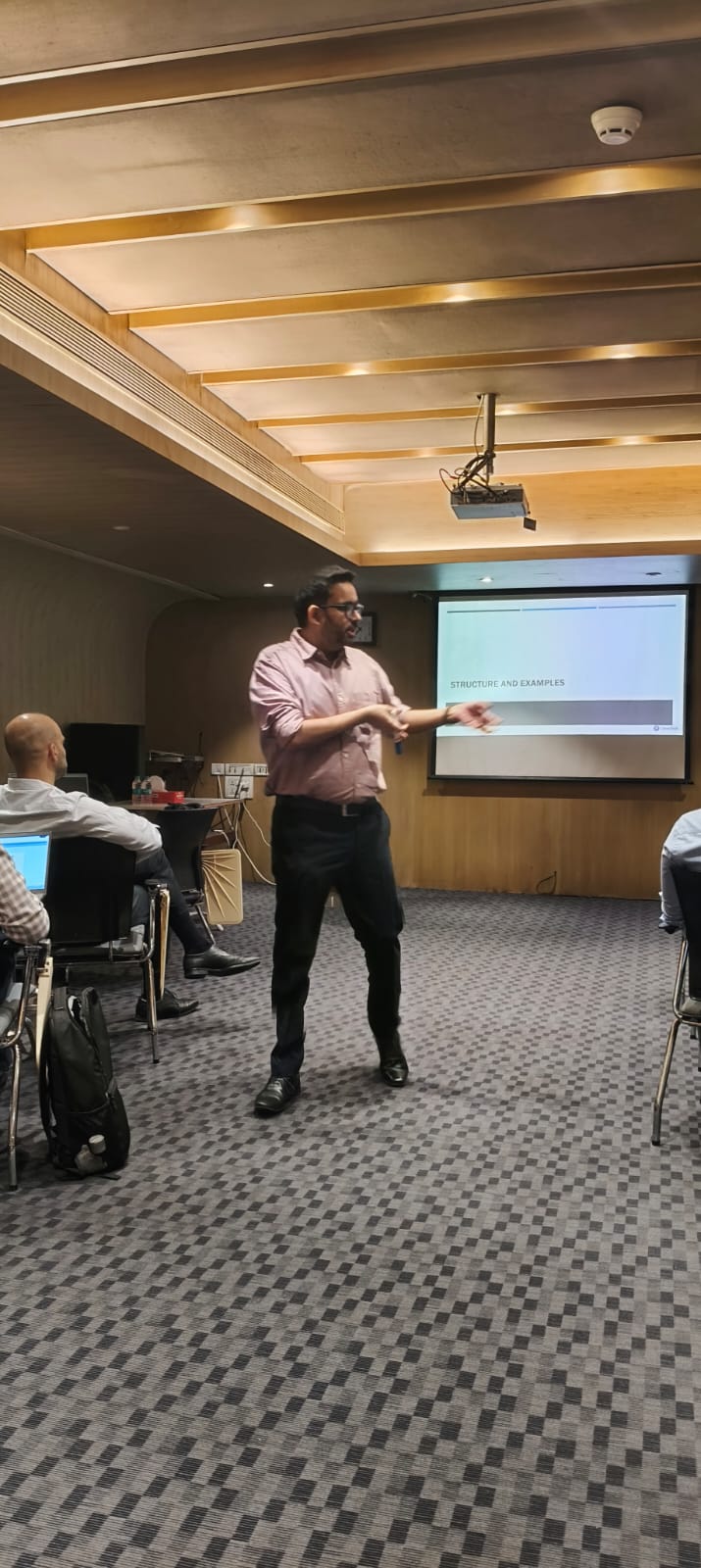
Nimit Kathuria. Practitioner first, educator second.

Nimit Kathuria
ISB Graduate. Visiting Faculty at Jai Hind College. Guest Lecturer at XLRI and SDA Bocconi. 15+ years in BFSI, Health, Consumer, Research, Advertising, and SaaS.
About Clearthought Academy.
Hands-on corporate learning. Real business outcomes.
We bridge the gap between theory and practice with practitioner-led training for enterprise teams.
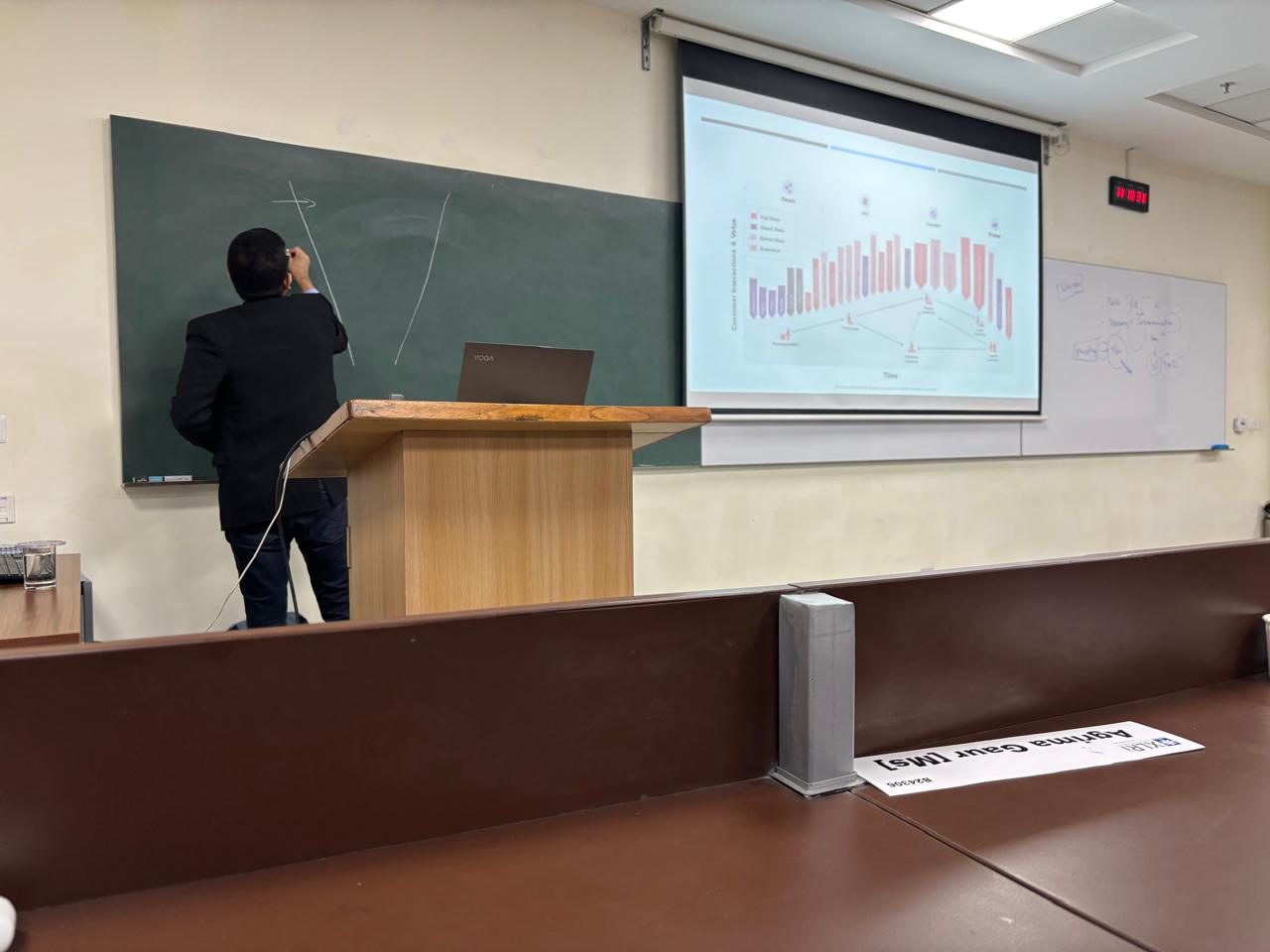
Start your AI transformation.
Align goals and priorities.
15–20 employees. Run a 2 or 3-day program.
Productivity, adoption, and quality improvement.
Build an AI-ready, Copilot-fluent workforce.
Ready to set up a meeting?
hello@clearthought.academy
+91 9250 107 515
Let's make your teams AI-confident.
Hands-on corporate learning. Real business outcomes. Built on the Microsoft stack you already run.
For leaders, innovators, and advanced functions.
Programs we run alongside partners.
- Custom evals and observability for Copilot agents
- Multi-agent orchestration on the Microsoft stack
- Power BI custom visuals plus AI
- Azure OpenAI fine-tuning, distillation, and deployment
- Voice and multimodal agents
- Microsoft Purview governance deep-dive