
Bridging the AI Skills Gap
A 3-day, immersive, compliance-safe AI bootcamp. Customised per cohort. Spans Microsoft Copilot, Claude, ChatGPT, and Gemini, tilted to the stack your team already runs.
Why GenAI?
The risk of unstructured AI usage is growing. Organizations face a critical "Skill + Adoption Gap" that threatens security and efficiency.
We move teams from "playing with ChatGPT" to "building business value."
40%
Productivity Boost
100%
Hands-on Practice
Productivity. Governance. Competitive edge.
Three reasons enterprises are running structured cohorts now, not next year.
Most teams stop at chat. The agent and automation layer (Copilot Studio, Power Automate, Claude Code, MCP) sits unused.
CRM, Drive, and inbox now sit inside chat windows. Audit, labelling, and approval flows matter more than ever.
Without structured training
- Employees are already experimenting with AI.
- Often in unstructured, inefficient, or risky ways.
- Hours wasted on trial-and-error. Compliance breaches creep in.
With structured training
- Save time on routine tasks. Hours → minutes.
- Build agents and automated flows on real work, in the stack you already run.
- Adopt AI safely, with governance aligned to your rules (Microsoft Purview, Anthropic safety, or your own DLP).
How we will run the workshop.
Every cohort starts with a diagnostic survey, so the curriculum fits your team.
We survey every participant before Day 1 and rebuild the agenda around what we learn.
| Axis | What we ask | What it changes |
|---|---|---|
| 01. Skill baseline | Frequency of GenAI use today. Tools tried. Confidence with data, dashboards, reporting. | Depth and pace of Day 1 foundations. Whether to bundle a Power BI Copilot primer (analyst teams), a Copilot Studio primer (ops teams), or a Claude Code primer (builder teams). |
| 02. Role-specific wishlist | Top 3 tasks to speed up. Workflow pain points by function. Real data they work with. | Day 3 agent build uses their wishlist. Demos on analogues of their real data. |
| 03. Our recommendation | Gaps the team has not flagged but will hit. Compliance and governance for their sector. | Adds compliance, hooks, and approval-flow patterns where relevant. Sequences foundations so advanced users learn too. |
Output: a customised 3-day agenda shared with the sponsor 5 working days before Day 1.
Same 6 streams. Different weight, depth, examples.
Survey
10-minute online survey to every participant, 2 weeks before Day 1.
Diagnostic read-out
Sponsor gets skill distribution, top 5 use-case asks, our recommendations.
Agenda locked
Final 3-day agenda, tool list, exercise set, 5 working days before Day 1.
Delivery
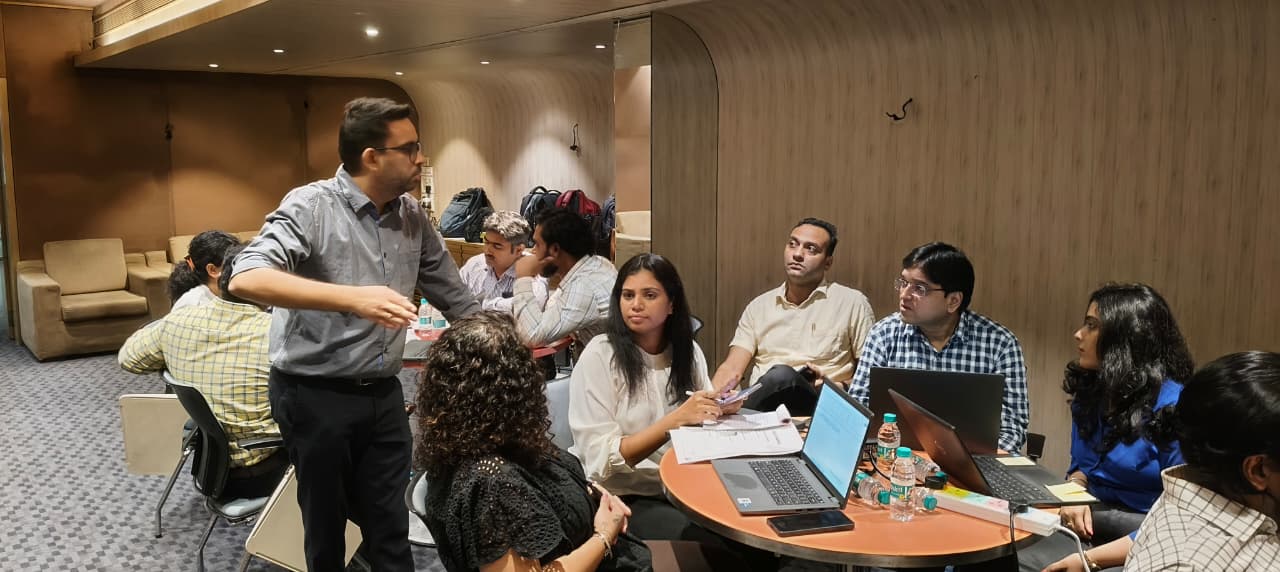
Each day opens with the team's own examples. Compliance and governance woven in.
Result: participants learn on their own problems, not case studies. Our score is 9.11 / 10.
From foundational concepts to advanced application development.
Six streams. Tilted across the 3-day program based on the diagnostic.
01. Foundations & Prompting
Core prompting across Copilot, Claude, and ChatGPT. Above the line vs below the line AI.
02. Refresher in the Age of AI
How to understand and present data, enhanced with AI.
03. Building Apps. Basics.
App-thinking foundations before AI is layered in.
04. Data & Dashboards with AI
Excel Copilot, Power BI Copilot, Sheets + AI for daily reporting.
05. From Chatbot to Agents
The 2026 builder stack: Copilot Studio, Claude Code, Cowork, Codex.
06. Workflow Automation
Power Automate, MCP, hooks. From manual workflows to flows that run themselves.
Foundation, data, engagement, analytics, compliance, apps.
What Teams Will Be Able To Do
- ✓ Automate repetitive document processing tasks
- ✓ Create secure, internal-only knowledge assistants
- ✓ Write complex, multi-shot prompts for high-accuracy outputs
- ✓ Identify and mitigate hallucinations and bias
- ✓ Integrate AI tools into existing software stacks
Industry Use-Cases
- • Marketing: Campaign generation at scale
- • Sales: Personalized outreach and objection handling
- • HR: Policy querying and onboarding automation
- • Legal: First-pass contract review and summarization
- • Operations: Data extraction and report generation
What they will be able to do.
Craft effective prompts across Copilot, Claude, ChatGPT, and Gemini, for varied business needs.
Use Excel Copilot, Power BI Copilot, or Claude in Sheets to analyse complex datasets in minutes, not hours.
Apply AI to enterprise tools (CRMs, emails, reports) and turn raw data into strategic insight.
Use Copilot Studio, Claude Code, or Power Automate. The right tool for the right shape of problem.
Three days. One arc. Real artifacts.
| Day | Theme | Focus areas |
|---|---|---|
| Day 01 | Foundations & Prompting | Core AI concepts, prompting in your stack, problem framing. |
| Day 02 | Data Storytelling, Userflows | How to understand and present data, enhanced with AI (Excel, Power BI, Sheets, Claude). |
| Day 03 | Agents, Compliance & Apps | Cross-functional agent building (Copilot Studio or Claude Code), governance, cross-functional use cases. |
Setting the foundation. In your stack.
| Session | Topic | Format |
|---|---|---|
| 1.1 | Welcome, Icebreaker & Workshop Overview | Interactive intro |
| 1.2 | The 2026 AI Landscape: Copilot, Claude, ChatGPT, Gemini | Talk + live demo |
| 1.3 | Prompt Engineering 101 (across the apps your team uses) | Prompt Studio Lab |
| 1.4 | Hands-On Lab: Crafting Prompts for your use-cases | Group exercise |
| 1.5 | Real-World Prompt Use Cases (Summaries, Emails, Notes) | Demo showcase |
| 1.6 | Identify and solve problems worth solving | Video + exercise |
| 1.7 | Debrief & Day-End Challenge | Reflective quiz |
From data to narrative to first build.
| Session | Topic | Format |
|---|---|---|
| 2.1 | Recap + Warm-up Prompt Quiz | Interactive poll |
| 2.2 | Storytelling + Data Visualisation (Power BI, Sheets, Excel) | Video + session |
| 2.3 | Data analysis & storytelling exercise | Hands-on exercise |
| 2.4 | Data visualisation de-brief | Discussion + demo |
| 2.5 | Intro to the Builder Stack: Copilot Studio, Claude Code, Cowork, Codex | Interactive session |
| 2.6 | Start building (first agent on your real data) | Hackathon |
| 2.7 | De-brief | Interactive |
Build, govern, ship.
| Session | Topic | Format |
|---|---|---|
| 3.1 | Introduction to advanced use-cases (Microsoft Graph, MCP, connectors) | Session |
| 3.2 | Continue building. Hands-on guidance. | Break-out activities |
| 3.3 | Compliance, Sensitivity Labels, Hooks & Approval Flows | Talk + design exercise |
| 3.4 | Shark Tank format demo (internal contest) | Demo |
| 3.5 | What's Next: 30 / 60 / 90 Day Plan, Resources, Office Hours | Session |
| 3.6 | Closing ceremony and pledge-taking | Interactive exercise |
The full toolkit. Tilted to your stack.
Indicative and not exhaustive. We tilt the toolkit to what your team already runs.
Microsoft-shop cohorts go deep on Copilot Studio and Power Automate. Anthropic-curious cohorts go deep on Claude Code and MCP. Mixed cohorts get both. The diagnostic survey decides where weight lands.
No lecture marathons.
100% interactive. Doing beats listening, every time.
- Hands-on exercises for doing, not just listening
- Kahoot and other interactive speed-quizzes
- Miro AI Idea Wall for breakout design sprints
- Real-time role-play
- Live builds across the tools your team uses (Copilot Studio, Claude Code, Power Automate)
Proven Impact
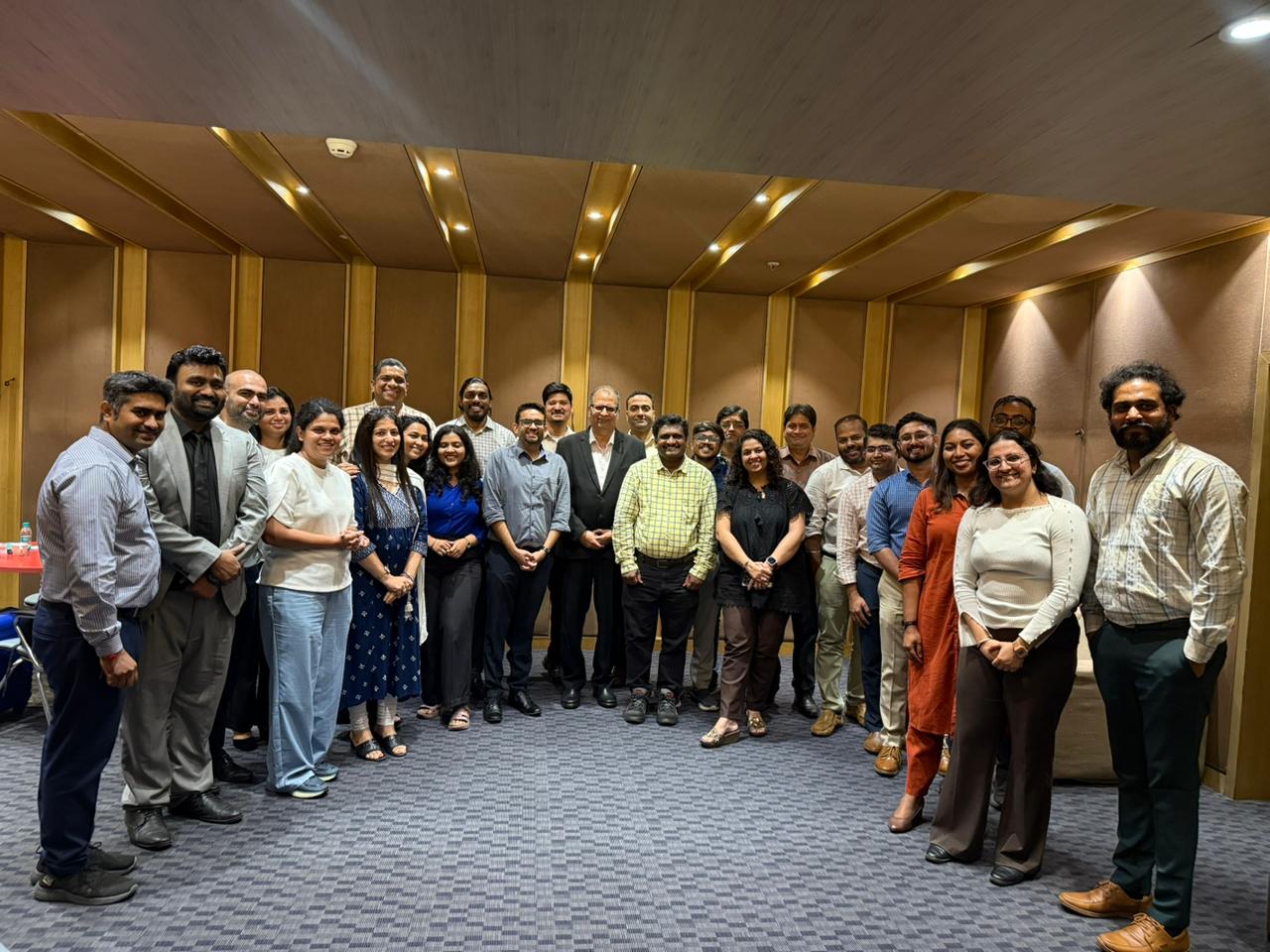
Our recent client (an international pharma company) has run multiple 3-day programs with various teams where business teams with zero coding experience built and deployed live solutions. Our programs always end with a live build and demo.
8 days → 11 minutes
Cut a data-sharing process from 8 days to just 11 minutes with a custom-built AI solution.
Real-Time Dashboard
Built a real-time inventory monitoring dashboard for complete supply chain visibility.
Days → Minutes
Created a vendor selection tool that reduced effort from days to minutes.
40 → 120 interviews
Created a solution to scale HCP interviews from 40 to 120 per quarter—a 3x increase in capacity.
Past trainings effectiveness.
Likelihood to recommend, out of 10.
Voice of participants and leaders from cohorts at a pharma and an energy company.
Rated 4 or 5 for overall satisfaction.
Voice of participants and leaders from cohorts at a pharma and an energy company.
Felt surprised at their own capabilities.
Voice of participants and leaders from cohorts at a pharma and an energy company.
Rated 4 or 5. 75% rated 5-star.
Voice of participants and leaders from cohorts at a pharma and an energy company.
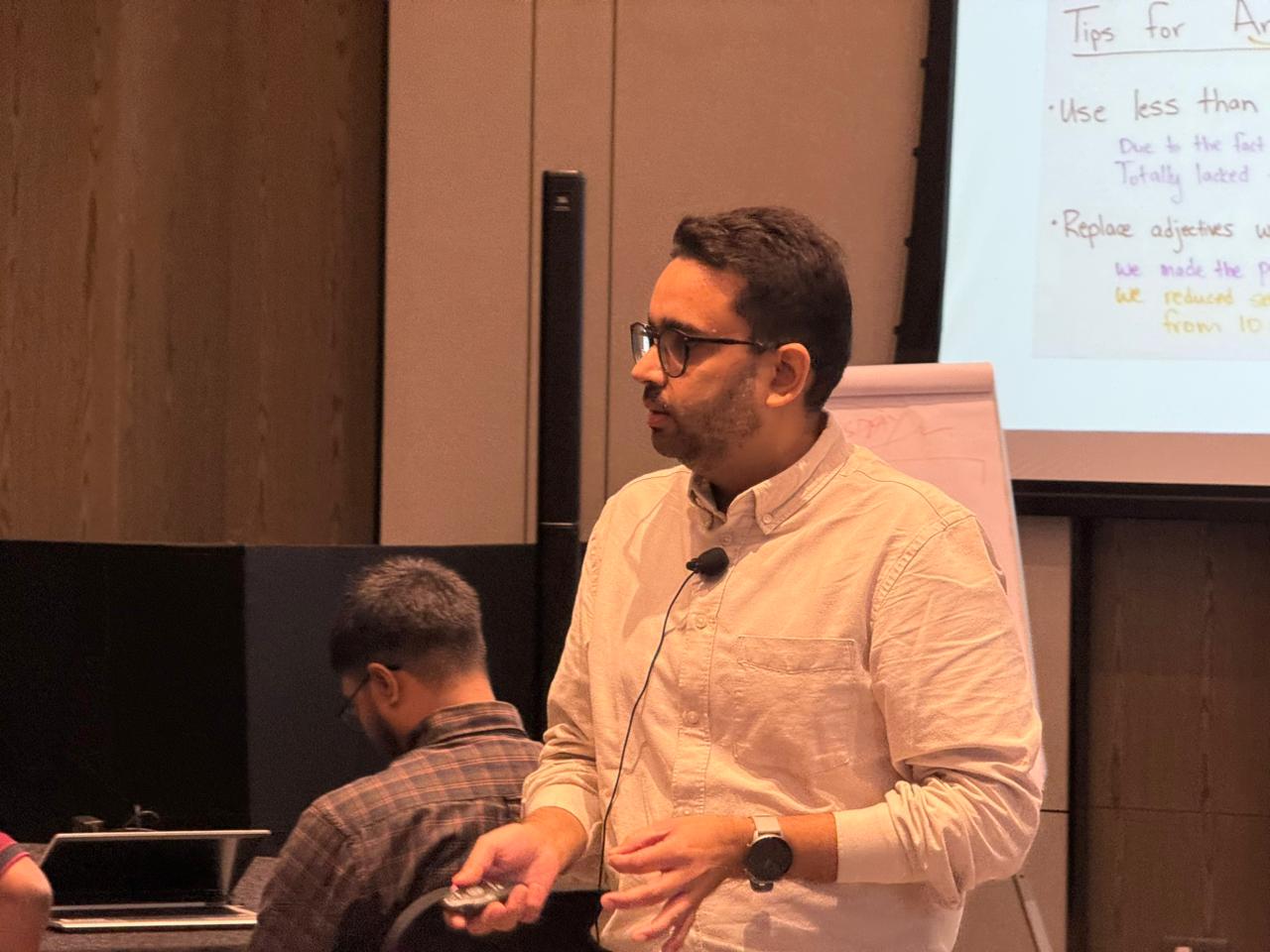
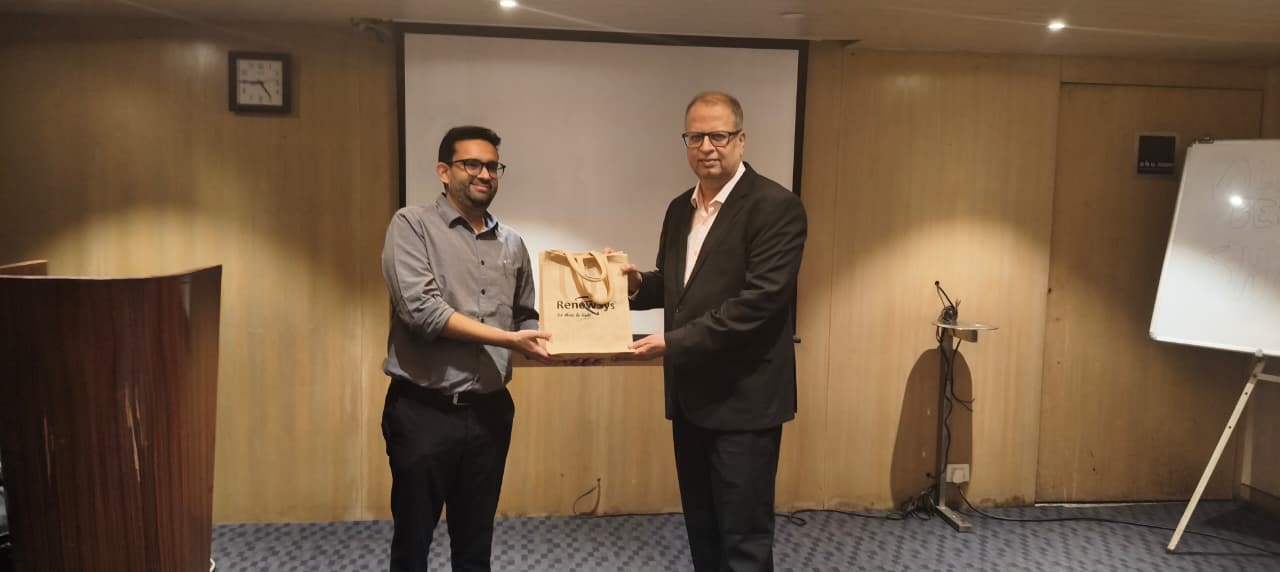
Praise for Nimit's training.
"Very good and great trainer. Energetic, patient, and always willing to help. Everyone, from newbies to experienced participants, walked away with real value."
"Patient, with knowledge in abundance, and explained everything clearly. The session showed me how AI can reduce my manual workload and automate reporting."
"The energy and enthusiasm in all sessions were infectious. The dashboard exercise on Day 3 was a real wow moment."
Practical, hands-on, and immediately useful.
"Nimit helped both beginners and experienced participants learn at the same pace. Everyone ended up as a student who walked away with something new."
"This training made me realise I can create dashboards and reports in minutes instead of hours. It will transform how I approach my work."
"Practical, hands-on, and immediately useful. I've already started planning to automate my daily reports."
"Energetic sessions filled with real-world examples. I now know how to integrate Excel with AI to generate insightful reports."
From the sponsor's seat.
We recently had a 3-day Advanced AI training with Nimit Kathuria, and we were very impressed with the depth of knowledge and expertise he brought into the sessions. His content and subject command were truly valuable for the participants. It was a very positive learning experience, and we would be glad to explore more sessions with him in the future.
Enterprise Cohort Leader
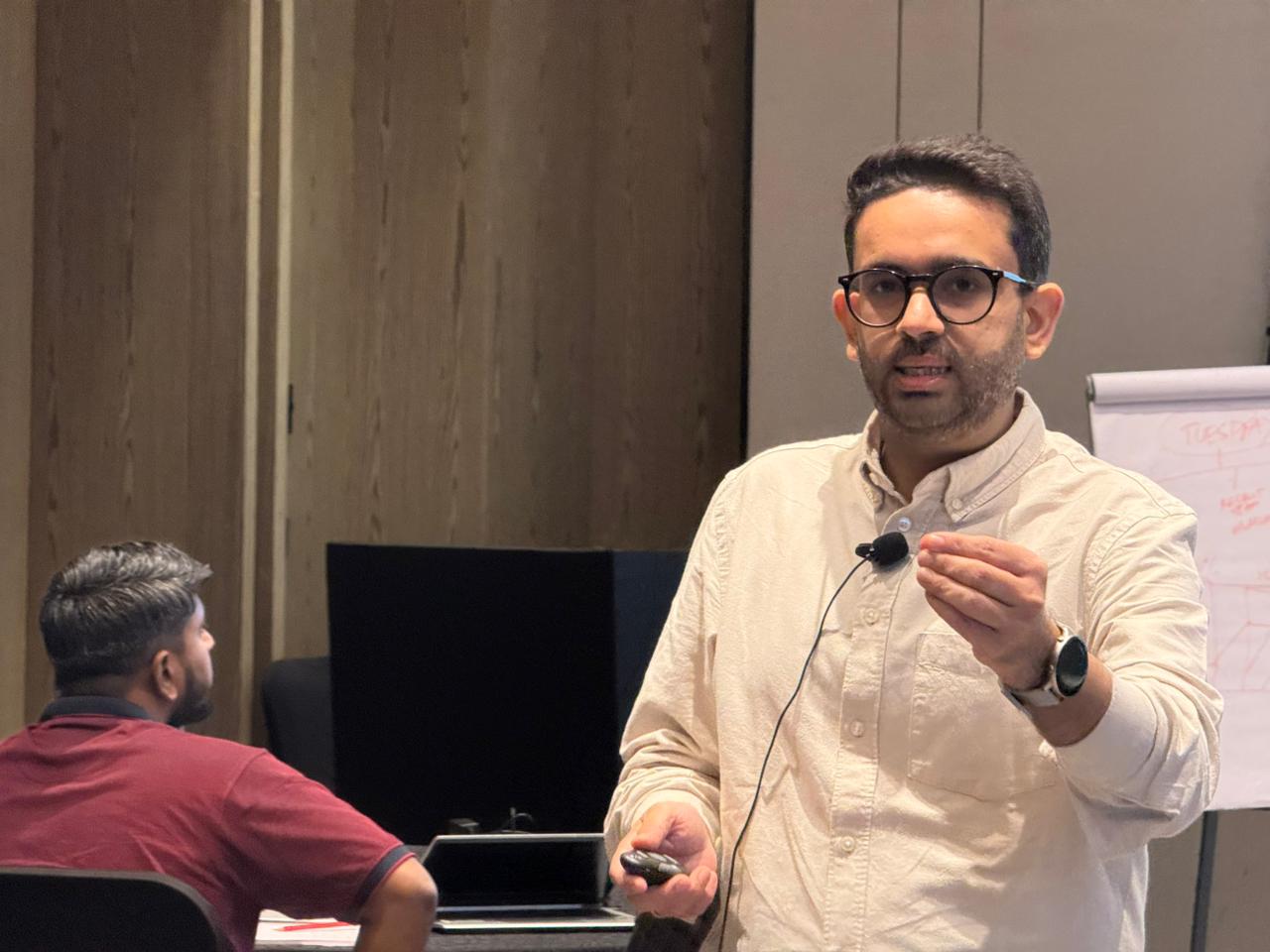
Why it's more effective than other similar trainings.
They start with tools, not thinking.
They teach features, not frameworks. When you have a hammer, every problem looks like a nail.
What many trainers teach
- Prompts and features
- Tool demonstrations
- Technical capabilities
What teams actually need
- Problem framing
- Decision support
- Actionable outcomes
Business First. AI Second.
I don't start with AI. I start with your business problems. First we clarify on what is a problem worth solving. Only then do we bring AI into the conversation.
Identify what's worth solving
Half the session is here. The smartest question beats the fanciest prompt.
Translate business logic into AI logic
So the cohort can repeat the move on Monday, not just remember the demo.
Apply tools with clarity and impact
Copilot, Claude Code, Power Platform, MCP. The right tool for the right shape of problem.
Not an engineer. A practitioner.
A non-engineer who first understands the business problem and then builds agents across stacks (Copilot Studio, Claude Code, Power Automate, MCP).
Our lead trainer isn't a traditional coder. He has built AI prototypes, agents, dashboards, and automation flows across both the Microsoft and Claude stacks, as a marketing leader. This unique perspective allows him to explain complex technical ideas in plain language, making non-tech teams confident, not confused.
Energetic, patient, and always willing to help everyone.
Pharma Brand Participant
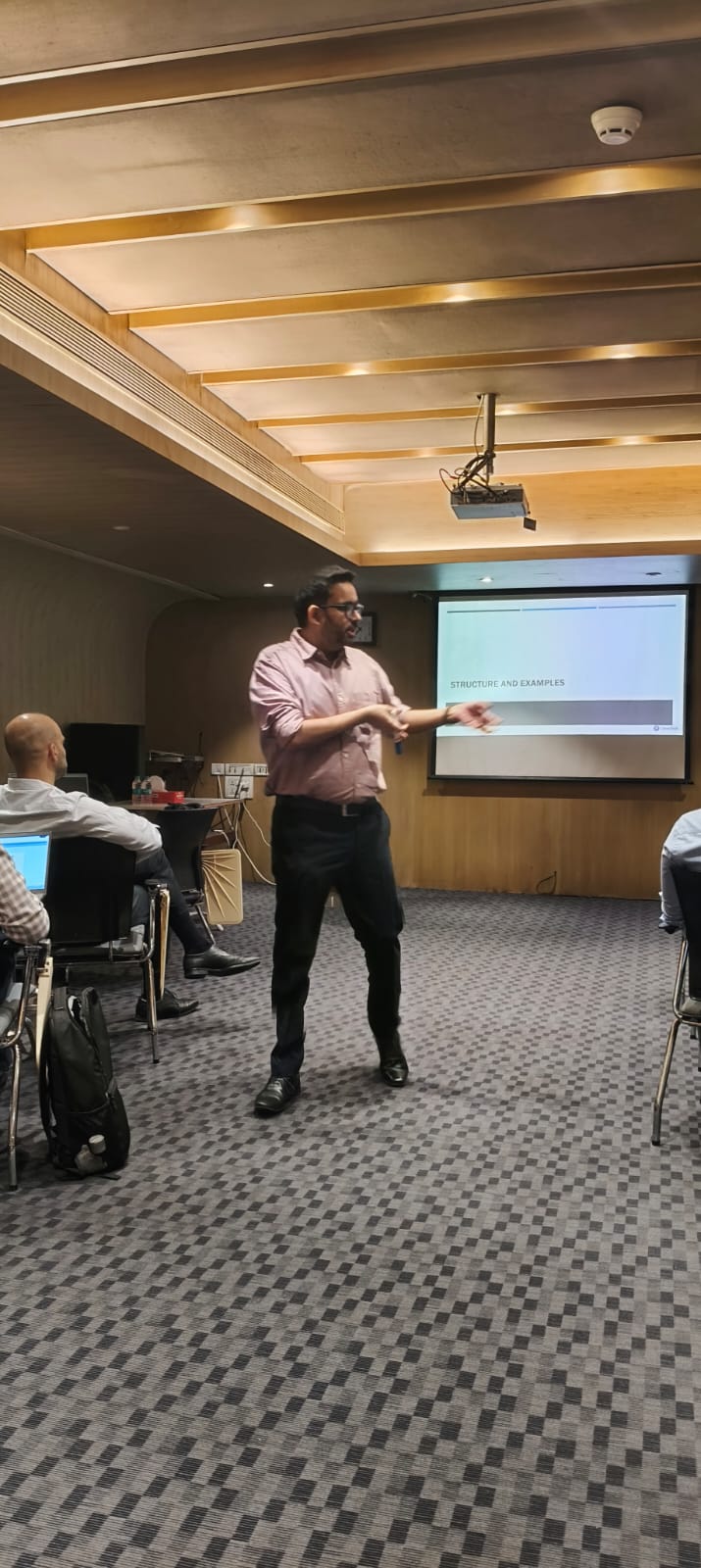
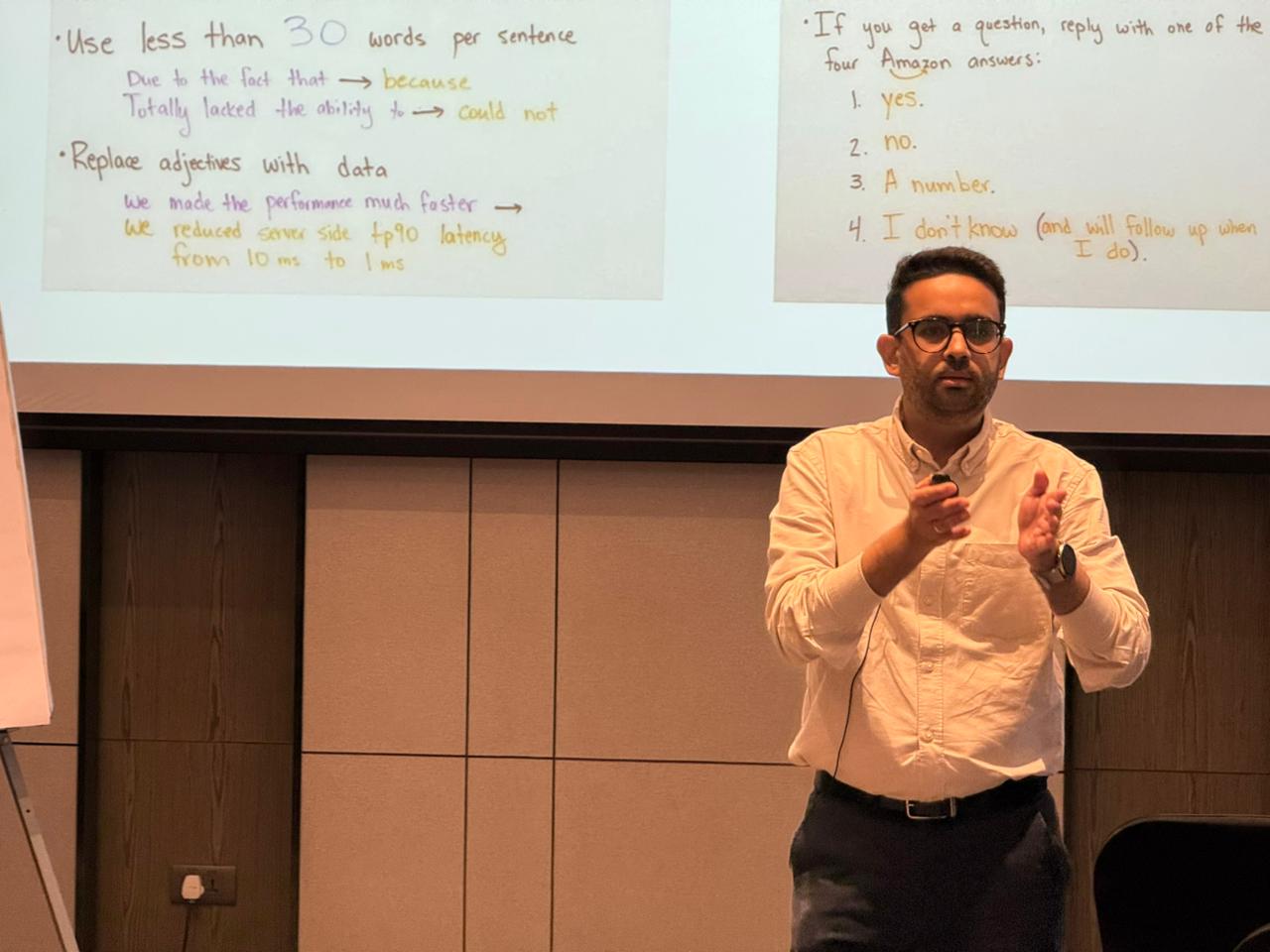
Nimit Kathuria. Practitioner first, educator second.

Nimit Kathuria
ISB Graduate. Visiting Faculty at Jai Hind College. Guest Lecturer at XLRI and SDA Bocconi. 15+ years in BFSI, Health, Consumer, Research, Advertising, and SaaS.
About Clearthought Academy.
Hands-on corporate learning. Real business outcomes.
We bridge the gap between theory and practice with practitioner-led training for enterprise teams.
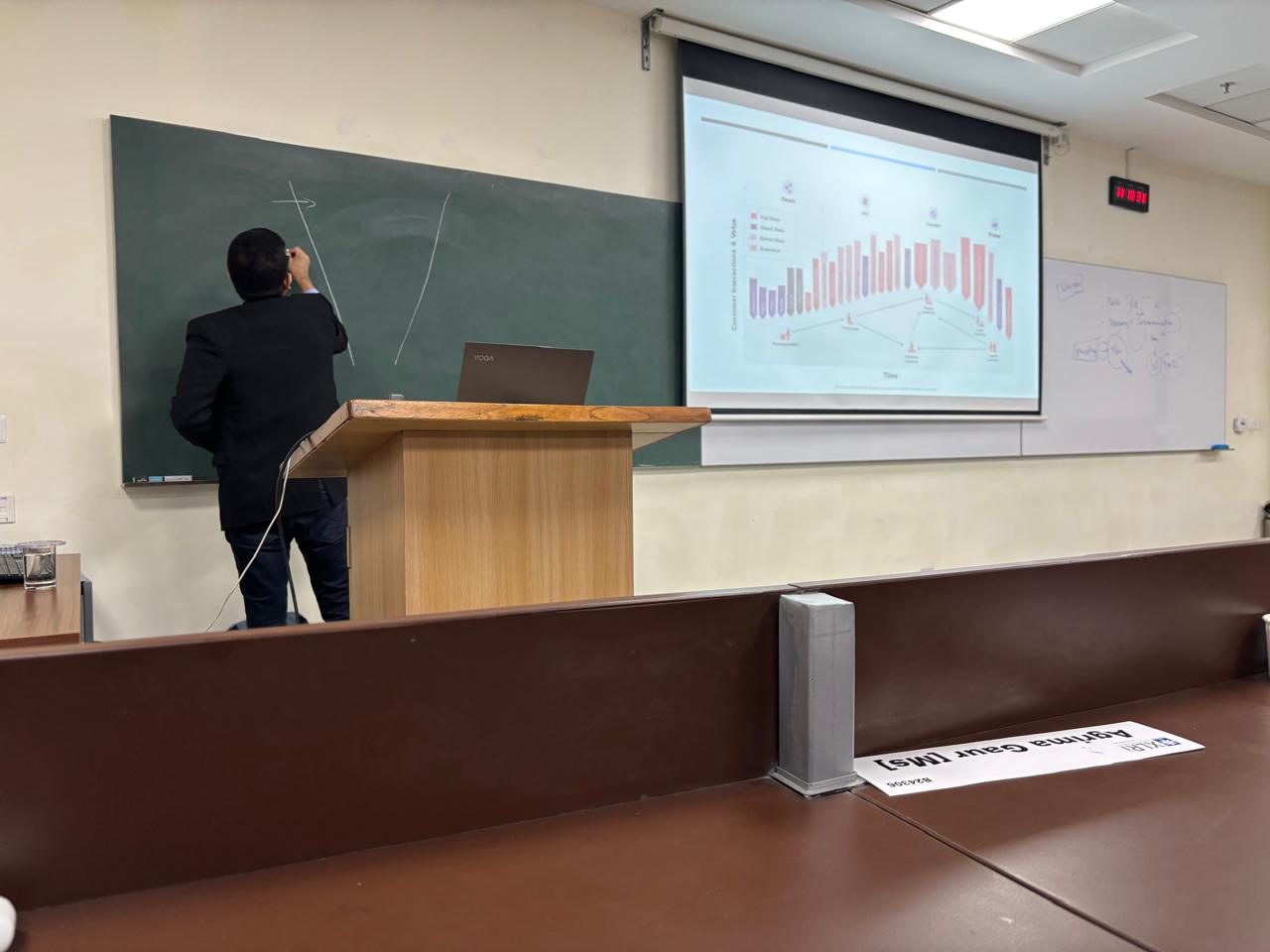
Start your AI transformation.
Align goals and priorities.
15–20 employees. Run a 2 or 3-day program.
Productivity, adoption, and quality improvement.
Build an AI-ready, agent-fluent workforce on your existing stack.
Ready to upskill your team?
Book a consultation to discuss your organization's specific needs and customize the curriculum.
hello@clearthought.academy
+91 9250 107 515
Let's make your teams AI-confident.
Hands-on corporate learning. Real business outcomes. Built on the tools your team already uses.
For leaders, innovators, and advanced functions.
Programs we run alongside partners.
- Custom evals and observability for agents (Copilot, Claude)
- Multi-agent orchestration patterns
- RAG at scale plus retrieval governance
- Anthropic SDK and Azure OpenAI fine-tuning, distillation, and deployment
- Voice and multimodal agents
- Governance deep-dive: Microsoft Purview, Anthropic safety, hooks and approval flows